· 4 min read
How to Set Up Automated Giving Reminders That Increase Recurring Donations Without Annoying Your Members
Automated giving reminders lift recurring donations when they are segmented by giving pattern, tied to a specific ministry outcome, and capped so no member gets more than one or two touches per month. Here is how to build that system step by step.
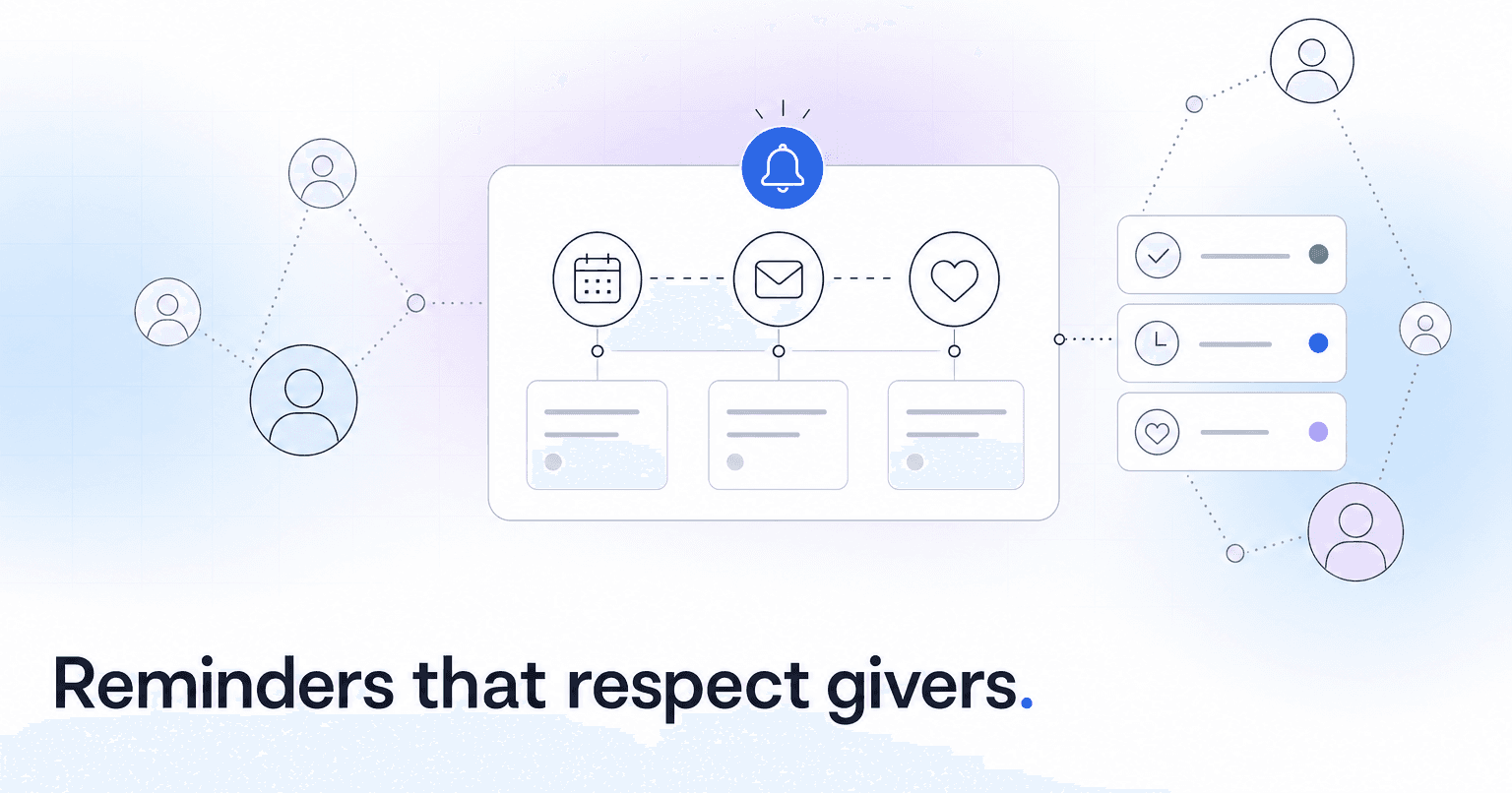
The short answer: send fewer reminders, send them to the right people, and make each one feel like a note from your pastor rather than a bill from your utility company. Automated giving reminders lift recurring donations when they are segmented by giving pattern, tied to a specific ministry outcome, and capped so no member gets more than one or two touches per month. Blanket "please give" blasts to your whole roster do the opposite: they train regular givers to tune you out and make new givers feel like a transaction.
Here is how to build that system, step by step, using workflows any modern church platform (including ChurchAI) can support.
Step 1: Segment your givers before you write a single message
The biggest mistake church finance teams make is treating "givers" as one group. You need at least four segments before automation makes sense:
- First-time givers (gave once in the last 30 days, no recurring set up)
- Recurring givers in good standing (active schedule, last gift succeeded)
- Lapsed givers (gave 3+ times historically, nothing in the last 60 to 90 days)
- Failed-payment givers (recurring gift declined, card expired, ACH bounced)
Each segment needs a different message and a different cadence. A first-time giver getting a "we miss you" email is jarring. A lapsed giver getting a generic thank-you is tone-deaf. If you are new to segmentation, our piece on how predictive analytics actually works in church membership software walks through how giving signals get grouped.
Step 2: Write the four core reminder templates
Keep them short. Under 120 words. Signed by a real person, not "The Finance Team."
- First-time giver, day 3: Thank them by name, tell them exactly what the gift funded (last week's youth night, the food pantry, whatever ran that week), and offer, do not push, a one-tap link to make it recurring.
- Recurring giver, quarterly: No ask. Just a report. "Your monthly gift this quarter helped fund X, Y, Z." This is stewardship, not solicitation, and it is the single biggest driver of retention.
- Lapsed giver, day 75: Personal note from a pastor. No guilt. Reference something specific: a sermon series, a ministry they used to support, an upcoming event. A soft resume link.
- Failed payment, same day: Practical and warm. "Your gift on the 5th did not go through, likely an expired card. Here is a 30-second link to update it." Time is everything here. A same-day nudge recovers most failed recurring gifts; a nudge two weeks later recovers almost none.
Step 3: Set the cadence rules that prevent burnout
Automation without guardrails is how churches accidentally spam their most generous members. Three rules:
- Frequency cap: no member receives more than 2 automated giving-related messages in any 30-day window, full stop.
- Suppression on recent gift: if someone gave in the last 7 days, they are excluded from every reminder workflow automatically.
- Channel logic: email for stewardship reports, SMS only for time-sensitive failed-payment recovery, never SMS for a cold ask.
In ChurchAI, these rules live at the workflow level, so they apply across every automation you build rather than being re-set for each campaign.
Step 4: Automate the failed-payment recovery flow first
If you only build one workflow this quarter, build this one. It is the highest-ROI automation in church finance because the money was already committed; you are only bridging a card update. A typical mid-sized church loses 10 to 20 percent of recurring donations annually to expired cards and bank changes that nobody notices for months. A same-day SMS plus a 3-day email follow-up recovers the majority of them. The case study on how one small church used AI to recover 40 lapsed donors in 90 days walks through the exact sequence.
Step 5: Measure what actually matters
Open rates lie. Track three numbers monthly:
- Recurring gift conversion rate (first-time givers who set up recurring within 60 days)
- Involuntary churn (recurring gifts lost to failed payments, not member decisions)
- Reminder-to-unsubscribe ratio (should stay under 1 percent; if it climbs, cut frequency)
If any of these move the wrong way, tune the cadence before tuning the copy. Volume is almost always the problem.
The point
Good giving automation is not about pushing harder. It is about removing friction (failed cards), closing loops (first-time to recurring), and keeping faithful givers feeling seen rather than solicited. If you want a platform built to run these workflows without stitching four tools together, that is what ChurchAI was designed for. Start with the failed-payment flow this week; the rest will follow.
Common questions
- What is ChurchAI?
- ChurchAI is an AI-native church management platform built to help churches retain members, grow giving, and eliminate administrative busywork. Unlike legacy church software that stores data passively, ChurchAI acts as an intelligence layer that connects to your existing tools, analyzes engagement patterns, predicts churn, identifies emerging donors and volunteer leaders, and automates follow-up workflows.
- How is ChurchAI different from Planning Center or other church management software?
- Most church management software like Planning Center, Rock CHMS, or Subsplash are built for administration and reporting. They store data but don't act on it. ChurchAI is built for discipleship and growth. It uses AI to proactively surface insights, predict which members are at risk of leaving, identify first-time and emerging givers, recommend volunteer candidates, and trigger automated follow-up communications. ChurchAI integrates with your existing tools and serves as the command center that turns church data into action.
- Does ChurchAI replace my current church software?
- No. ChurchAI connects directly with your existing church tools including Planning Center, Rock CHMS, Subsplash, Mailchimp, Microsoft Fabric, Power BI, and others. It acts as the intelligence layer on top of your current tech stack, unifying data from scattered systems into one command center without requiring you to switch platforms.
- What problems does ChurchAI solve for churches?
- ChurchAI solves three core problems: (1) Member churn — it identifies disengaged members early through attendance and engagement pattern analysis, then triggers automated follow-up before people fall through the cracks. (2) Missed growth opportunities — it surfaces emerging donors, first-time givers, and potential volunteer leaders that pastors would otherwise miss. (3) Administrative overload — it automates follow-ups, people management, growth tracks, and reporting so church staff can focus on ministry instead of spreadsheets.
- What size churches does ChurchAI work for?
- ChurchAI works for churches of all sizes, from growing congregations to enterprise-level megachurches with multiple campuses and complex tech stacks. The platform scales to handle multi-campus operations with thousands of members, multiple data systems, and sophisticated reporting needs.
- Is ChurchAI an AI chatbot for churches?
- No. ChurchAI is not a chatbot or a simple Q&A tool. It is a full AI-native platform with intelligent agents that analyze church data, score member engagement, predict behavior patterns, automate workflows, and deliver actionable insights. Think of it as an AI-powered Executive Pastor that monitors church health 24/7 and proactively surfaces what needs attention.
- What AI technology does ChurchAI use?
- ChurchAI uses AI-native architecture including large language models, engagement scoring models, predictive analytics for churn and giving patterns, and automated workflow agents. The platform's domain expertise is encoded directly into its AI workflows, prompts, and scoring models, built by founders with over a decade of church leadership experience. This creates a data flywheel where the more churches use ChurchAI, the smarter its predictions and recommendations become.
- How do I get started with ChurchAI?
- Visit churchai.com to request a demo. The ChurchAI team will walk you through the platform, understand your current tech stack and church needs, and show how ChurchAI integrates with your existing tools to deliver immediate value.