· 4 min read
How One Church Automated Its Administration Tasks and Cut Staff Workload in Half
A 1,400-attendee multisite church cut staff admin workload from 60% to 28% in six months—without layoffs—by automating visitor follow-up, disengagement detection, financial reporting, and content drafts.
How One Church Automated Its Administration Tasks and Cut Staff Workload in Half
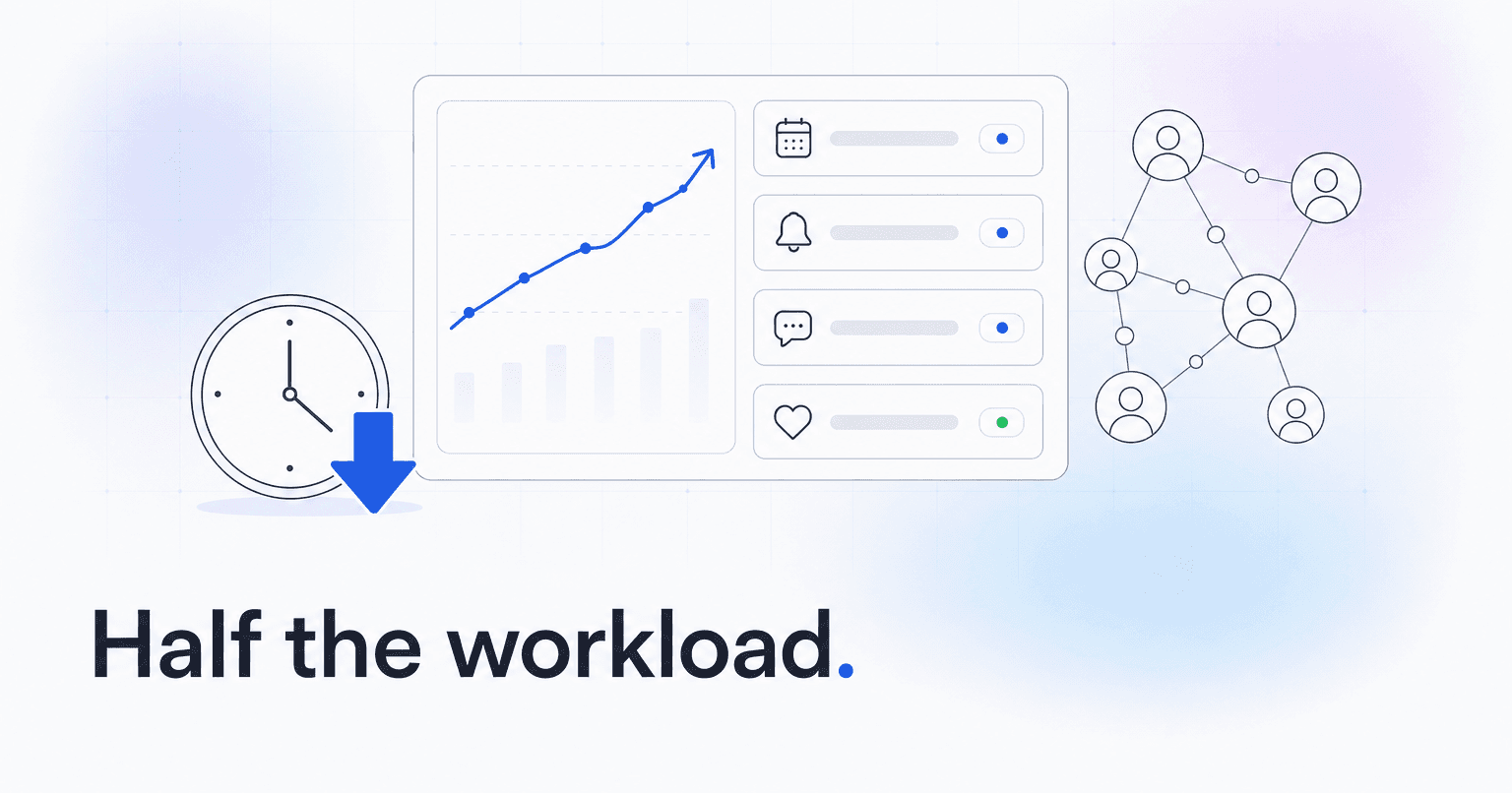
A 1,400-attendee multisite church in the Southeast walked into a Monday staff meeting with a familiar problem: five people were spending roughly 60% of their week on tasks that had nothing to do with ministry. Six months later, that number dropped to about 28%. No one was laid off. The building did not shrink. What changed was the workflow beneath it.
Here is the situation, what they tried, what actually happened, and what any church leader can pull from it.
The situation: five staff, six tools, and a Tuesday backlog
Before the shift, the executive pastor's team was running Planning Center for people and services, Mailchimp for newsletters, Clearstream for SMS, a separate giving platform, ChatGPT tabs for sermon prep and social copy, and a shared Google Sheet that no one trusted. Every Tuesday looked the same. The communications director spent four hours pulling attendance exports, cross-referencing giving reports, and hand-writing follow-up notes to first-time visitors. The connections pastor spent another three hours identifying which regulars had gone quiet. By Wednesday afternoon, half the week was gone and no one had talked to a member yet.
The senior pastor put it bluntly in a staff review: "We hired shepherds. They are doing spreadsheets."
What they tried first (and why it did not stick)
The team's first move was the obvious one: hire a part-time admin. That helped for about eight weeks. The admin left for a full-time role, and the backlog returned within a month.
The second attempt was a stricter process document, 14 pages long, that mapped every Sunday-to-Sunday task. It was thorough. Nobody followed it, because the bottleneck was not clarity. It was volume.
The third attempt worked, because it addressed the actual constraint: the humans were doing work that did not need a human. They consolidated onto a single automation layer sitting on top of Planning Center, replacing the AI, communication, and reporting tools with one platform. You can see the same approach outlined on the ChurchAI overview.
What they automated, specifically
They did not try to automate everything at once. They picked the four tasks eating the most hours.
- First-time visitor follow-up. Previously a manual Tuesday task. Now a triggered sequence: a personalized text within 90 minutes of the service, an email on Wednesday with a note from the campus pastor, and an invitation to a next-step class on day 10. The communications director stopped writing these one at a time. She reviews and approves a queue every Monday, which takes about 20 minutes.
- Disengagement detection. Instead of a pastor scanning attendance for people who had gone quiet, the system flagged members whose attendance and giving patterns had shifted, and grouped them by likely reason (life change, seasonal drop, or genuine drift). The connections pastor now walks into Monday with a ranked list of 12 to 20 people to reach out to, not a spreadsheet to build.
- Financial reporting. The monthly board packet used to take the executive pastor a full day. Now it generates automatically: giving trends, retention of top givers, and a plain-English summary. He edits it in about 25 minutes.
- Content drafts. Sermon recap posts, midweek emails, and event promotion drafts are generated from service data and reviewed by staff, rather than started from a blinking cursor.
The result, in real numbers
Six months in, the executive pastor tracked hours the old way and the new way. Combined weekly admin load across the five staff dropped from about 118 hours to 54. First-time visitor return rate rose from 22% to 34%. Recurring giver retention held steady through a summer that historically saw a 6% drop. The connections pastor closed the quarter with 71 personal conversations with at-risk members, up from 23 the prior quarter.
Nobody's job description changed. What changed was that pastors were doing pastoral work again.
The reusable takeaway
The lesson is not "buy software." It is narrower than that. If your staff is drowning, resist the urge to add a person or a process document first. Audit where the hours actually go for two weeks. You will almost always find the same pattern: 40 to 60% of the load is pattern-matching work (who is drifting, who is new, what to send, what to report) that a well-configured system handles better than a tired human at 4 p.m. on a Tuesday.
Consolidate the tools. Automate the pattern-matching. Give the humans back the conversations.
If you want to see what that consolidation looks like against your current stack, the team at ChurchAI walks through it during a live demo, or you can start with questions through support.
Common questions
- What is ChurchAI?
- ChurchAI is an AI-native church management platform built to help churches retain members, grow giving, and eliminate administrative busywork. Unlike legacy church software that stores data passively, ChurchAI acts as an intelligence layer that connects to your existing tools, analyzes engagement patterns, predicts churn, identifies emerging donors and volunteer leaders, and automates follow-up workflows.
- How is ChurchAI different from Planning Center or other church management software?
- Most church management software like Planning Center, Rock CHMS, or Subsplash are built for administration and reporting. They store data but don't act on it. ChurchAI is built for discipleship and growth. It uses AI to proactively surface insights, predict which members are at risk of leaving, identify first-time and emerging givers, recommend volunteer candidates, and trigger automated follow-up communications. ChurchAI integrates with your existing tools and serves as the command center that turns church data into action.
- Does ChurchAI replace my current church software?
- No. ChurchAI connects directly with your existing church tools including Planning Center, Rock CHMS, Subsplash, Mailchimp, Microsoft Fabric, Power BI, and others. It acts as the intelligence layer on top of your current tech stack, unifying data from scattered systems into one command center without requiring you to switch platforms.
- What problems does ChurchAI solve for churches?
- ChurchAI solves three core problems: (1) Member churn — it identifies disengaged members early through attendance and engagement pattern analysis, then triggers automated follow-up before people fall through the cracks. (2) Missed growth opportunities — it surfaces emerging donors, first-time givers, and potential volunteer leaders that pastors would otherwise miss. (3) Administrative overload — it automates follow-ups, people management, growth tracks, and reporting so church staff can focus on ministry instead of spreadsheets.
- What size churches does ChurchAI work for?
- ChurchAI works for churches of all sizes, from growing congregations to enterprise-level megachurches with multiple campuses and complex tech stacks. The platform scales to handle multi-campus operations with thousands of members, multiple data systems, and sophisticated reporting needs.
- Is ChurchAI an AI chatbot for churches?
- No. ChurchAI is not a chatbot or a simple Q&A tool. It is a full AI-native platform with intelligent agents that analyze church data, score member engagement, predict behavior patterns, automate workflows, and deliver actionable insights. Think of it as an AI-powered Executive Pastor that monitors church health 24/7 and proactively surfaces what needs attention.
- What AI technology does ChurchAI use?
- ChurchAI uses AI-native architecture including large language models, engagement scoring models, predictive analytics for churn and giving patterns, and automated workflow agents. The platform's domain expertise is encoded directly into its AI workflows, prompts, and scoring models, built by founders with over a decade of church leadership experience. This creates a data flywheel where the more churches use ChurchAI, the smarter its predictions and recommendations become.
- How do I get started with ChurchAI?
- Visit churchai.com to request a demo. The ChurchAI team will walk you through the platform, understand your current tech stack and church needs, and show how ChurchAI integrates with your existing tools to deliver immediate value.